ACH Auto Payments (How Recurring Bank Transfers Work)
See how recurring ACH payments work, what they cost, and how to manage them safely.

What Is an ACH Auto Payment?
An ACH auto payment is a planned bank-to-bank transfer that pays a bill on a set date. ACH means Automated Clearing House, the US network that handles electronic payments between banks. Businesses use these transfers for repeat charges, such as rent, memberships, insurance, and utility bills.
The customer first gives permission and shares bank details through a payment form or another approved method. The business can then request payments under the terms the customer agreed to. Unlike a card charge, an ACH payment draws funds from a bank account, not a credit line.
“Auto” describes the schedule, not a promise that every payment will clear. A payment can fail if an account lacks funds, details are wrong, or the customer closes the account. Clear terms and notices help customers know when money will leave.
It removes a routine task.
How ACH Payments Move Between Banks
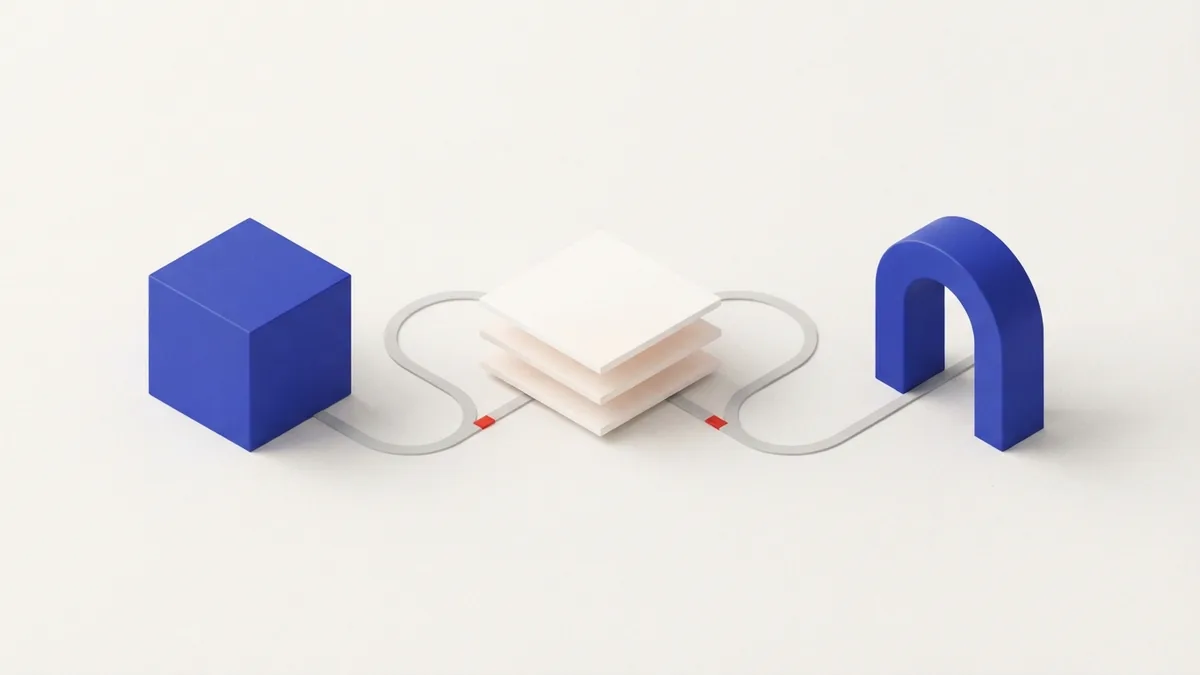
ACH payments move through a series of steps. The business, or its payment provider, sends a payment request to its bank. That bank groups requests and sends them through the ACH network for sorting and delivery to the customer’s bank.
The receiving bank checks the account and processes the debit. The funds then move between banks, and the payment result is sent back. ACH is not usually instant. Many payments settle within one or two business days, though timing can vary by bank, payment type, holidays, and the service used.
The Federal Reserve explains its role in processing ACH payments through the Federal Reserve’s ACH services. Some transfers may use same-day ACH, if the banks and payment provider support it. A business should state its payment date clearly and allow time for returns or delays.
That timing matters for cash flow.
Why Businesses Use ACH Auto Payments
The main draw is less manual work. Customers do not need to write checks or remember each due date. Businesses can collect recurring payments on a set schedule, which may lower late payments and reduce staff time spent on routine billing.
ACH fees are often lower than card fees, though exact costs depend on the bank, provider, and payment plan. Some providers charge a flat fee, while others charge a percentage or set limits. Compare the full fee list before choosing a service.
Electronic transfers also cut the need for paper checks and envelopes. That can reduce paper use and mailing tasks. ACH can also make payment records easier to track when a business links its billing tools with its accounting system.
Customers gain a simple, repeatable way to pay.
- Scheduled payments can reduce missed due dates.
- Bank transfers may cost less than card payments.
- Digital records can help with payment tracking.
- Fewer checks mean less paper handling.
Common Uses for ACH Payments
Recurring billing ACH is common for bills that repeat at a set time. A gym may charge monthly dues. A landlord may collect rent each month. A utility company may take payment after sending a bill, or on a date chosen by the customer.
Businesses also use ACH for loan payments, insurance premiums, donations, and software plans. Some firms use bank transfers for one-time invoices. In each case, the payer needs to know the amount or how it is set, the timing, and how to stop future payments.
Not every bill suits an automatic debit. A variable bill can rise from month to month. Customers may prefer a notice before each payment or a fixed cap. Businesses should offer a clear way to review the amount and update bank details.
Match the schedule to the bill.
What to Plan Before Setting Up ACH Payments
Start by choosing a bank or payment provider that supports ACH debits. Check its fees, settlement times, return handling, and links to your billing tools. Ask how it stores account details and what support it offers when a payment fails.
Next, build a clear authorization flow. The customer should see who will take payment, how often it will happen, and how the amount is set. Get their consent before collecting money. Keep a record of that consent and provide steps for changing or ending the payment.
Plan for failed payments. A bank may return a debit because the account lacks funds or the account details do not match. Set a process to notify the customer, retry only when allowed, and offer another payment method. Avoid repeated retries that can lead to extra fees or frustration.
Use this setup checklist:
- State the payment amount or how it may change.
- Show the date or schedule for each debit.
- Explain how customers can cancel or update details.
- Set alerts for returned or late payments.
- Keep payment records matched with invoices.
Good setup prevents avoidable disputes.
Security and Customer Control
ACH payments are electronic, but security depends on the banks and tools handling each step. Reputable providers use safeguards such as encrypted data transfer and access controls. Encryption helps protect bank details while they move between systems. It does not remove every risk.
Businesses should limit staff access to payment data and use trusted providers. Avoid sending full bank details by ordinary email. Use secure forms, keep software up to date, and remove access when staff no longer need it. Review account activity and provider notices for unusual payment requests.
Customers should check the payment terms and confirm the business name before giving bank details. They should review bank statements and contact their bank quickly about a debit they do not recognize. They can also ask the biller how to revoke permission for future payments.
Security needs both sides.
Is ACH the Right Choice for Your Payments?
ACH auto payments can suit businesses with regular bills and customers who want a simple way to pay from a bank account. They can lower manual work and may cost less than card payments. They also need sound consent, clear timing, and a plan for failed debits.
Compare ACH with cards based on your customers, costs, and billing needs. Cards may be better when instant approval or broad payment choice matters. ACH may fit repeat bills where lower fees and bank transfers are a better match.
Before you switch, test the payment flow from signup to cancellation. Confirm the fee, timing, notices, and return process. When those details are clear, ACH can make recurring billing easier for both the business and its customers.
Frequently asked questions
- What is an ACH auto payment?
- It is a scheduled bank-to-bank transfer used to pay a bill. The customer must authorize the business to debit the account.
- How long does an ACH payment take?
- Many ACH payments settle within one or two business days. Timing can vary by bank, provider, payment type, and holidays.
- Are ACH payments cheaper than credit card payments?
- They often have lower fees than card payments, but costs depend on the bank or provider. Compare the full fee schedule before choosing.
- Can a customer stop recurring ACH payments?
- Customers can contact the business to end future debits and should ask their bank about its steps. They should act before the next payment date.
- Are ACH auto payments secure?
- Banks and providers use safeguards such as encrypted data transfer and access controls. Businesses should use trusted providers, and customers should check account activity.
Related reading

Understand ACH Check Payments (How They Work)
See how ACH check payments work, what they cost, and when funds arrive.

ACH Web Payments — How They Work and Who Benefits
See how ACH web payments work and why they can lower costs for businesses and non-profits.

ACH Payments (How the Network Moves Money)
See how ACH moves money, what it costs, and when it beats other payment methods.