Convenience Store Payment Processing: How to Choose the Right POS
Pick a POS for fuel and retail. Cut surprises in fees and fraud while speeding checkout.
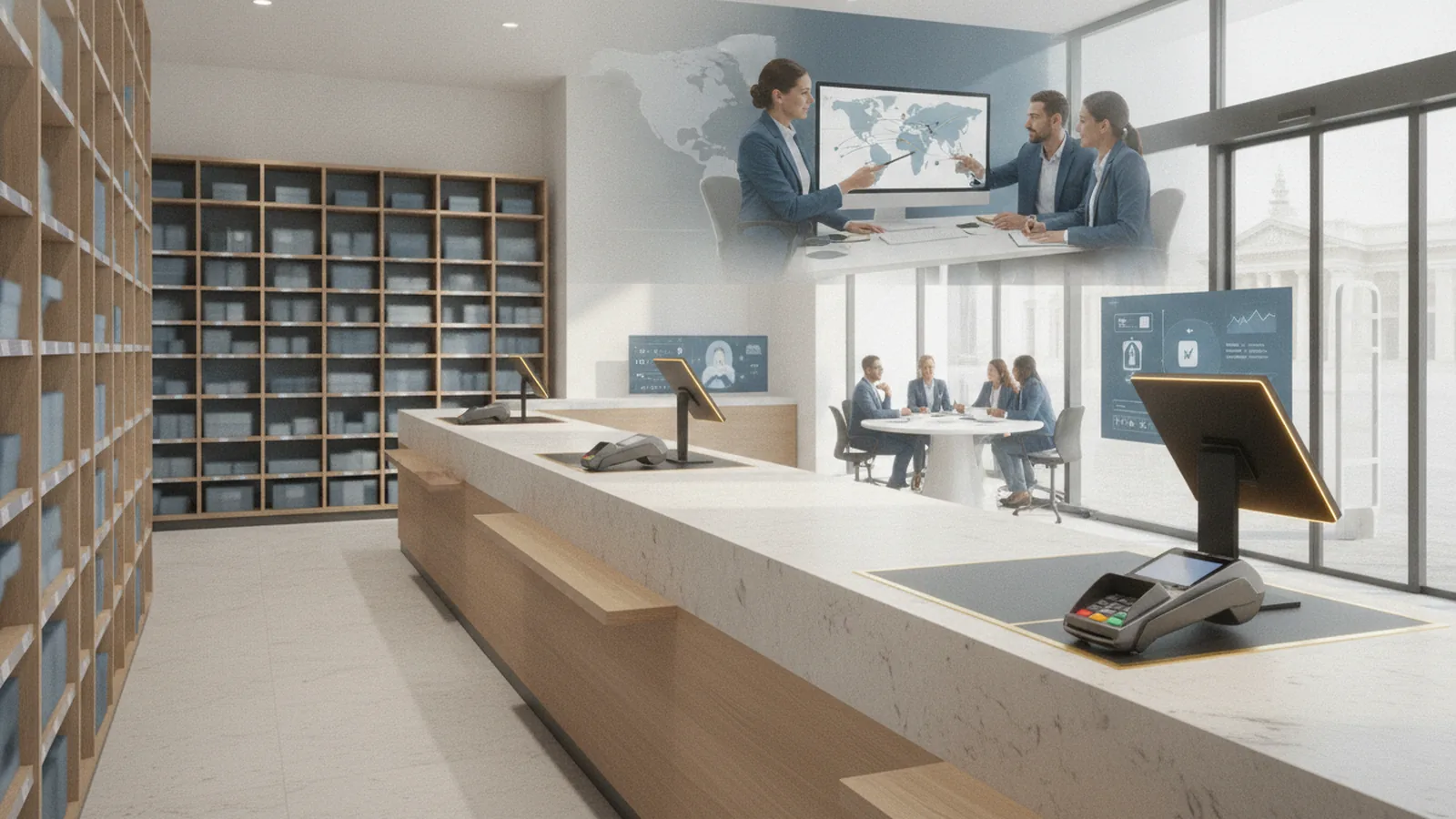
Overview of convenience store payment processing
Convenience store payment processing takes payments and settles them for fuel and in-store buys. It is vital because lines move fast. If taps fail, you lose sales right away. It also helps you spot risk like fraud.
Payment processing for gas stations often blends pump sales with inside receipts. The store needs one flow for both sides. That flow may tie into a POS system and payment gateway integration. It also should support inventory management for what you sell.
Many merchants think “payments” ends at the terminal. It does not. The full path includes terminals, software, and back-office reports. Your team should trust those reports every day.
- Fuel and retail sales may need different rules
- Receipts must match pump and register totals
- Fraud controls should cover both channels
- Reports must support daily stock checks
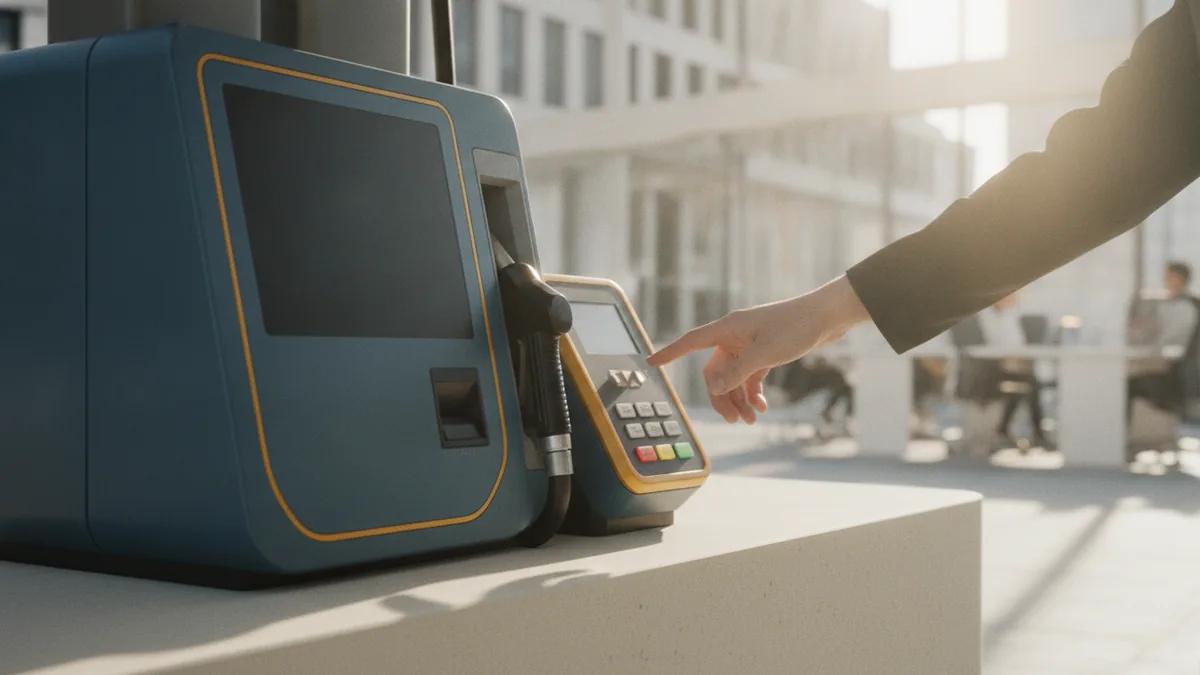
Key features of payment solutions
Start with what your stores do each day. For credit card processing for c-stores, speed and uptime matter most. You want quick approvals and clear logs for staff. You also want reports that show what failed and why.
Then look for features that cut work at the counter. You want smooth refunds and reversals when errors happen. You may also need age verification systems for restricted items. Check that the POS can handle that flow without delays.
Payment needs differ by type. Credit and debit can cost you differently per sale. Fleet cards may route through separate rules and pricing. Mobile payment options can help speed checkout too.
| Feature | Why it matters | Questions to ask |
|---|---|---|
| Payment gateway integration | Better approvals and clean pay | Which gateway is used and how |
| Fraud monitoring | Lower loss from bad acts | What alerts are sent and when |
| Age checks | Helps with rules for some goods | What steps happen at checkout |
| Gift cards | Drives repeat visits | Do balances update and match |
| Offline mode | Keeps sales going during drops | How long can payments queue safely |

Importance of specialized POS systems
Specialized POS systems for convenience stores fit real store needs. They connect checkout with fuel management and in-store sales. They also support inventory tracking when stock moves. This helps your data stay matched.
In a c-store, one stop can touch many systems. A buy may include fuel plus retail items. A clerk may also use gift cards or loyalty points. If the POS cannot join these steps, staff may do extra voids. That hurts speed and can hurt stock counts too.
Good ties also help with payment gateway integration. You want the same totals across pumps, tills, and reports. If not, you will do manual matching after hours. That work costs time and causes mistakes.
- List your fuel steps and your retail steps
- Mark each payment type you accept
- Write your refund and return rules
- Check that stock updates correctly for each sale
- Run a sample day test and match totals

Cost considerations for merchants
The cost of convenience store payment systems has many parts. You may pay per sale, plus set fees each month. You may also pay for extras like fleet card use. Your total cost can rise when staff time increases too.
Use method-level math, not a single average. Different types of payment methods incur different costs. That includes credit cards, debit cards, and fleet cards. Ask for a clear fee breakdown for each method. Then compare quotes using your real mix of sales.
If you also run online sales, costs can shift again. Online store payment processing may need extra fraud tools. It may also need a smooth checkout flow for pickup or gift card buys. Some systems can also link loyalty data across channels.
| Cost driver | What it can change | How to verify it |
|---|---|---|
| Transaction fees | Your profit per sale | Ask for a fee sample by card type |
| Chargeback work | Loss plus staff time | Ask how evidence is sent and tracked |
| Terminal and POS fees | Your monthly run cost | Confirm what is included and for how long |
| Setup and changeover | Time and risk during install | Ask who moves data and tests config |
| Downtime risk | Lost sales during cutover | Confirm pilot plan and support hours |

Challenges in convenience store payment processing
C-store payment work faces tight time limits. A small hiccup at checkout can slow the line. Slower lines cut sales. They also raise the odds of wrong key entries and voids. Those issues can trigger more staff work too.
Chargebacks are a big pain point. A chargeback is a card dispute that asks the bank to reverse a sale. It may be due to real fraud or buyer error. Either way, staff must respond with proof fast. Late proof can make losses worse.
Fraud monitoring is also hard in this space. Convenience stores attract card tests and stolen card use. You should ask how fraud signals are built. You should also ask if rules can be tuned for your risk level.
Do not ignore network drops. A system that demos well may fail under load. Test what happens when links drop. Also test how the system recovers and re-plays queued sales.
- Declines can jump when routing is off
- Chargebacks can rise when receipts lack proof
- Fraud can slip through when alerts are slow
- Network gaps can cause long pauses at checkout
Best practices for selection and implementation
Choose like you are fixing a daily workflow. Treat it as a store project, not a gear swap. Start by mapping how a sale moves from pump or counter to reports. Add your peak hours and common refund cases. Then set must-have needs for your team.
During talks, test the real edge cases. Ask about age checks and how a clerk handles a “no” at checkout. Ask about gift cards and how balances update after a load. Ask whether split payments work for your usual basket mix.
Implementation should include a pilot and clear training. A pilot store shows what happens at real volume. Train your clerks on refunds and reversals. Train your ops team on disputes and fraud alerts too. Then write a simple playbook for help requests.
- Write your needs based on daily store steps
- Ask for a demo that matches your refund cases
- Confirm support for every payment method you use
- Pilot one store and watch approval rates daily
- Set runbooks for disputes and fraud alerts
- Roll out by date with a clear cutover plan
After launch, watch key numbers each week. Track approval rates, time per sale, and chargeback counts. Review fraud alerts to see if patterns repeat. With small fixes, convenience store payment processing stays smooth for both fuel and retail.
Quick questions to ask before you sign
Get input from store leads and the back office. Store leads see checkout friction first. The back office feels the pain in reports and fees. This helps you avoid a bad fit that costs later.
- Do we need age verification systems at checkout
- Do we sell gift cards and use loyalty points
- Which payment types drive most of our sales
- How often do we do refunds and returns
- Which POS reports guide inventory management decisions
For risk and consumer protection background, see FTC guidance on payment services and consumer protections.
Frequently asked questions
- What does convenience store payment processing include?
- It includes terminals, the POS workflow, a payment gateway, and settlement reports. For many operators, it also ties fuel sales to inside receipts.
- How do I choose specialized POS systems for convenience stores?
- Start with fuel plus retail workflows, and your real refund cases. Then verify reporting, reconciliation, and support for your payment types.
- What are common costs in credit card processing for c-stores?
- You may pay per sale plus monthly fees for terminals and software. Chargebacks and extra staff time can add more cost than expected.
- How do chargebacks and fraud monitoring work in convenience stores?
- Chargebacks are card disputes that ask for proof and may reverse funds. Fraud monitoring flags risky sales so staff can act sooner.
- Do fleet cards and mobile payments change pricing?
- Yes. Fleet cards often have their own setup and fee rules. Mobile payments can also change approval results based on terminal support.
- What should be tested during implementation?
- Test offline mode, refund and reversal steps, and gift card behavior. Also test that pump and register totals match in reports.
Related reading

Virtual Terminal Payment Processing: What It Is and When to Use One
Understand virtual terminal payment processing, its benefits, risks, and best-fit use cases.

Payment Gateway Costs: Fees Explained and Ways to Reduce Them
Understand payment gateway fees, typical transaction ranges, and how to reduce credit card processing costs.

Czech VAT Explained: Rates, Registration, Returns, Exemptions, Refunds
Czech VAT guide: rates, VAT number, returns, exemptions, and VAT refund options.