Merchant Card Processor Accounts: A Clear Business Guide
Learn how merchant accounts work, what they cost, and how to set one up.
What Is a Merchant Card Processor Account?
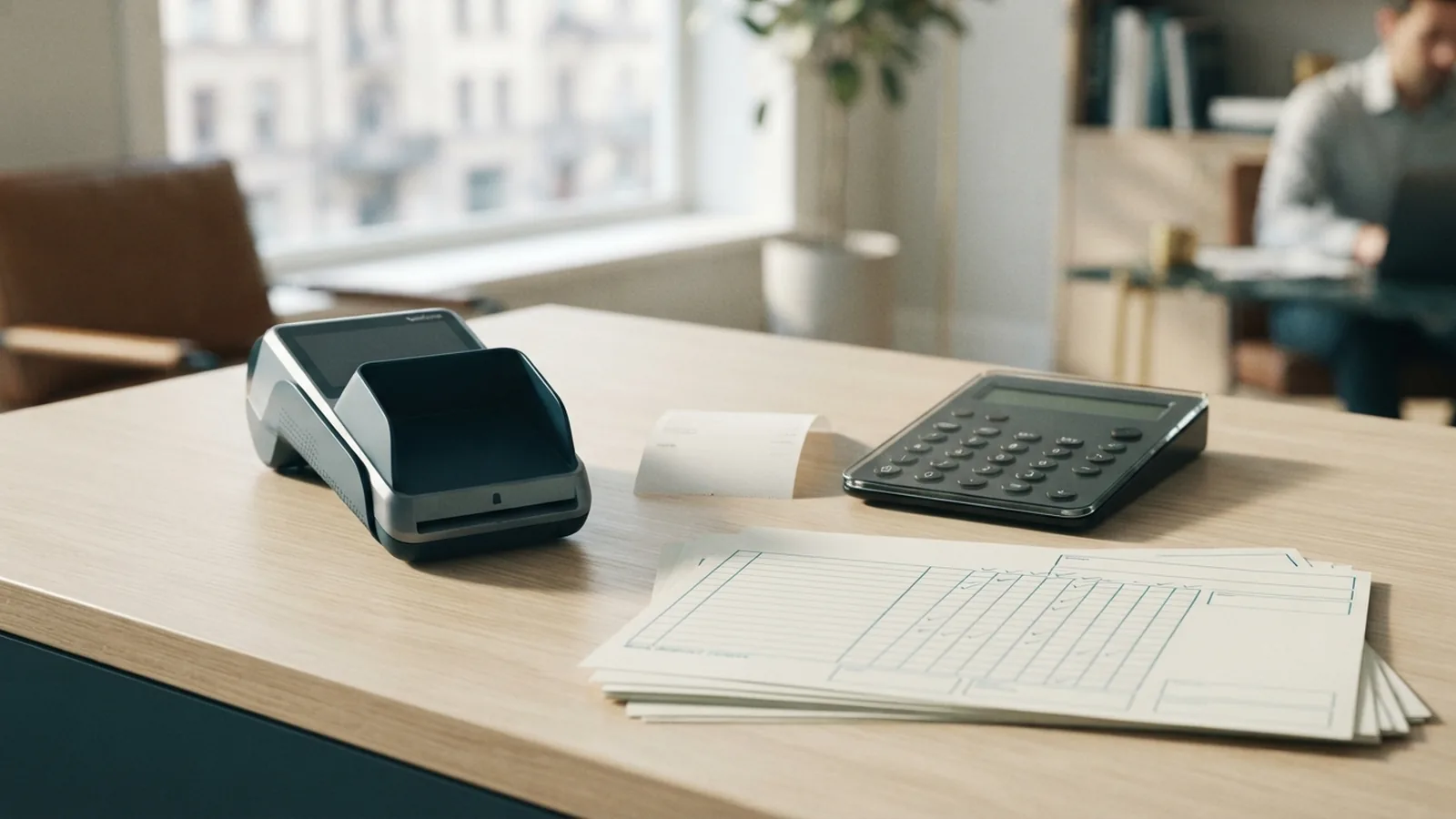
A merchant card processor account lets a business accept credit and debit card payments. It connects the buyer's bank, the card network, and the business bank account. Funds pass through this account before they reach the business.
Think of it as a short-term holding point for card payments. A customer pays $80 for a product. The merchant card processor receives the payment data and holds the funds during review. The money then moves to the business bank account after settlement.
This account is not the same as a normal checking account. It supports card payment approval, risk checks, refunds, and fund transfers. It also helps shield sensitive payment data from the business.
- It supports credit and debit card payments.
- It links customer funds with the business bank account.
- It holds funds for a short time before settlement.
- It can work with a payment gateway for online sales.
How a Merchant Account Moves Each Payment
Card payment processing starts when a customer taps, inserts, or enters a card. The payment terminal or online checkout sends the request to a gateway. The gateway passes the request to the payment processor.
The processor sends the request through the card network to the customer's bank. That bank checks the card, account balance, and risk signals. It then approves or declines the payment.
An approved payment is not final at that moment. The merchant account holds the funds while the payment moves through settlement. Settlement is the step that groups approved payments and sends money to the business bank.
Most businesses receive funds within one to three business days. The exact time depends on the provider, business type, and payment method. Some providers offer faster transfers for an extra fee.
- The customer starts a card payment.
- The gateway sends payment details to the processor.
- The card network asks the customer's bank for approval.
- The merchant account holds the approved funds.
- The provider settles the funds into the business bank account.
Merchant Account vs. Payment Processor and Gateway
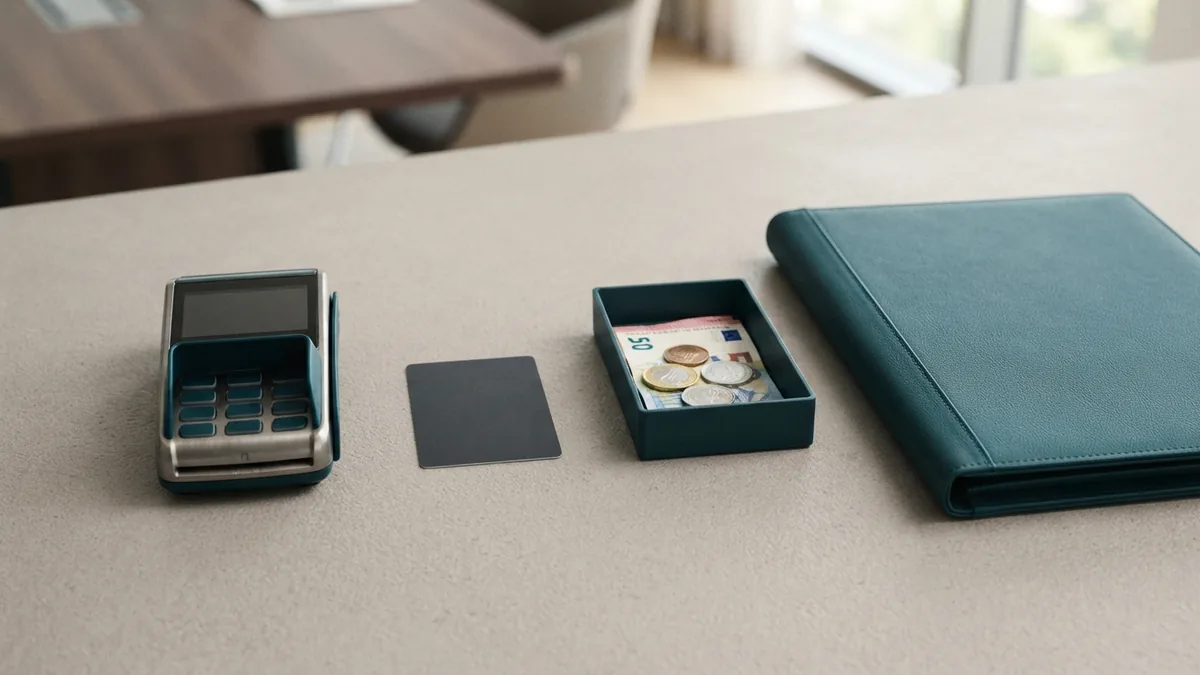
These three terms describe different parts of the same payment chain. A merchant account receives and holds funds for the business. A payment processor sends payment requests between the seller, card network, and banks.
A payment gateway collects payment details and sends them in a safe form. It often appears as the checkout page in an online store. In a shop, the card reader may fill the gateway role.
Some providers bundle all three services into one product. Others require a separate merchant account and gateway. Ask which parts the provider supplies before you sign up.
| Service | Main job | Common use |
|---|---|---|
| Merchant account | Holds card funds before settlement | Receiving business payments |
| Payment processor | Routes payment requests and responses | Approval and payment flow |
| Payment gateway | Collects and sends payment details | Online checkout or card terminal |
A business may use one company for all services. That setup can make support and billing easier. A separate provider may offer more control or better rates for larger sales volumes.
Why Businesses Need a Merchant Account
A merchant account gives businesses a formal way to accept card payments. Without one, many firms cannot take cards through a terminal or online checkout. Card payments also meet customer demand for speed and choice.
Cards can help a business sell in more places. A shop can take payment at the counter. An online seller can accept orders from customers in other cities or states.
The account also supports key tasks after a sale. These tasks include refunds, voids, chargebacks, and payment records. Clear records help owners match sales with bank deposits.
Card acceptance does bring risk. A provider may pause funds after unusual sales activity. It may also ask for more records when sales rise fast. Keep invoices, shipping proof, and customer records in case a dispute occurs.
- Offer card payment options at checkout.
- Track deposits and payment fees in one place.
- Process refunds through the same payment system.
- Manage disputes with sales and delivery records.

Common Merchant Account Types
The right account depends on how and where customers pay. A retail account suits shops with a fixed checkout counter. It often works with card readers, tills, and contactless payments.
An e-commerce account suits online stores and subscription firms. It works with a payment gateway and an online shopping cart. It may also support stored cards, recurring bills, and fraud checks.
Mobile accounts suit sellers who work away from a fixed store. Food trucks, tradespeople, and market sellers often use them. These accounts work with a phone, small card reader, or mobile terminal.
Some firms need a special account for higher risk sales. Examples can include travel, digital goods, and adult products. These accounts may bring higher fees and stricter checks.
| Account type | Best fit | Key feature |
|---|---|---|
| Retail | Shops and service counters | Countertop card terminal |
| E-commerce | Online stores and subscriptions | Gateway and checkout tools |
| Mobile | Field sellers and market stalls | Portable card reader |
| Higher risk | Industries with more disputes | Extra checks and controls |
How to Set Up a Merchant Card Processor Account
Start by listing how customers pay today and how you plan to sell later. Note your sales channel, average order size, monthly volume, and refund rate. This information helps a provider place your business in the right risk group.
Next, gather the documents for the application. Most providers ask for a business license, tax identification number, and bank account details. They may also ask for an owner ID, website link, invoices, or past processing records.
Compare the full contract, not just the advertised rate. Check the term, cancellation rules, payout time, reserve policy, and support hours. Confirm whether the gateway, card reader, and chargeback help cost extra.
After approval, connect the account to your bank and sales tools. Run small test payments before opening the system to all customers. Check the first deposits against your sales report and fee report.
- Choose the sales channels you need to support.
- Gather your business and bank documents.
- Compare fees, payout times, and contract terms.
- Apply and answer any provider review questions.
- Connect your bank, gateway, terminal, and store tools.
- Run test payments and check the first settlement.
Fees You May Pay
Merchant account fees vary by provider and business type. A setup fee may cover account review, equipment, or system setup. Some providers waive this fee when you meet a sales target.
Monthly fees may cover account access, support, or a payment gateway. A monthly minimum fee can apply when your processing fees fall below a set amount. Ask how the provider calculates that minimum.
Transaction fees usually include a flat amount and a share of each sale. For example, a provider might charge 30 cents plus 2.5 percent. A $100 sale would then cost $2.80 under that pricing model.
You may also see fees for chargebacks, refunds, cross-border cards, and faster payouts. Equipment rental can add a monthly cost. Request a sample bill based on your own sales numbers.
- Setup or application fees
- Monthly account or gateway fees
- Monthly minimum fees
- Per-payment and percentage fees
- Chargeback and refund fees
- Equipment rental or purchase costs
The lowest rate may not mean the lowest total cost. A plan with a low per-payment fee may carry a high monthly minimum. Compare the full cost across a normal month and a slow month.
Choosing the Right Account
Match the account to your sales channels first. An online store needs a strong gateway and fraud tools. A busy shop needs a fast terminal and clear deposit reports.
Then review the provider's payout rules. Check when funds arrive and what can delay a deposit. Ask how the provider handles disputes, refunds, and unusual sales spikes.
Finally, test the support path before you commit. Ask who answers urgent payment issues outside normal hours. A clear fee sheet and plain contract are good signs.
A merchant card processor account is the working link between card buyers and your bank. The right setup makes payments easier to accept and simpler to track. Review the fees, tools, and payout terms before opening the account.
Step-by-step
- 01 Choose your payment channels
List your needs for retail, online, mobile, or recurring payments. Note your expected sales volume and average order size.
- 02 Gather your documents
Prepare your business license, tax identification number, bank details, and owner identification.
- 03 Compare account terms
Review fees, payout times, contract rules, equipment costs, and dispute support before applying.
- 04 Submit the application
Apply with a trusted provider and answer its business review questions. The provider may request sales or website records.
- 05 Connect and test the account
Link your bank, gateway, terminal, and store tools. Run test payments and check the first deposit.
Frequently asked questions
- What is a merchant card processor account?
- A merchant card processor account lets a business accept card payments. It holds approved funds briefly before sending them to the business bank account.
- What is the difference between a merchant account and a payment processor?
- A payment processor routes payment requests between the business, card network, and customer bank. A merchant account holds funds before settlement.
- What documents do I need for a merchant account?
- Most providers ask for a business license, tax identification number, bank details, and owner identification. Some also ask for sales records or a website.
- What fees do merchant accounts charge?
- Common costs include setup fees, monthly fees, monthly minimums, and payment fees. You may also pay for chargebacks, refunds, equipment, or faster payouts.
- Do online businesses need a merchant account?
- Yes. An online business can use a merchant account with a payment gateway. The gateway sends payment details from the checkout to the processor.
- What types of merchant accounts are available?
- Retail, e-commerce, mobile, and higher risk accounts serve different business models. The best choice depends on sales channels, volume, and dispute risk.
Related reading

GB VAT Explained: Numbers, Rates, Checks and Registration
Learn GB VAT rules, number checks, rates, and registration steps.
Payment Orchestration for Cross-Border Sellers: Routing, Failover and Compliance
A practical guide to payment orchestration for cross-border sellers: routing, failover, local methods, PSD2/SCA, PCI scope and reconciliation.

How to Use a VAT Refund Calculator Across Europe
Estimate your VAT refund and learn each country’s claim steps.