Payment Processing Systems: Features, Costs, and Best Fits
Compare payment systems, fees, features, and fit for your business.
Understanding Payment Processing Systems
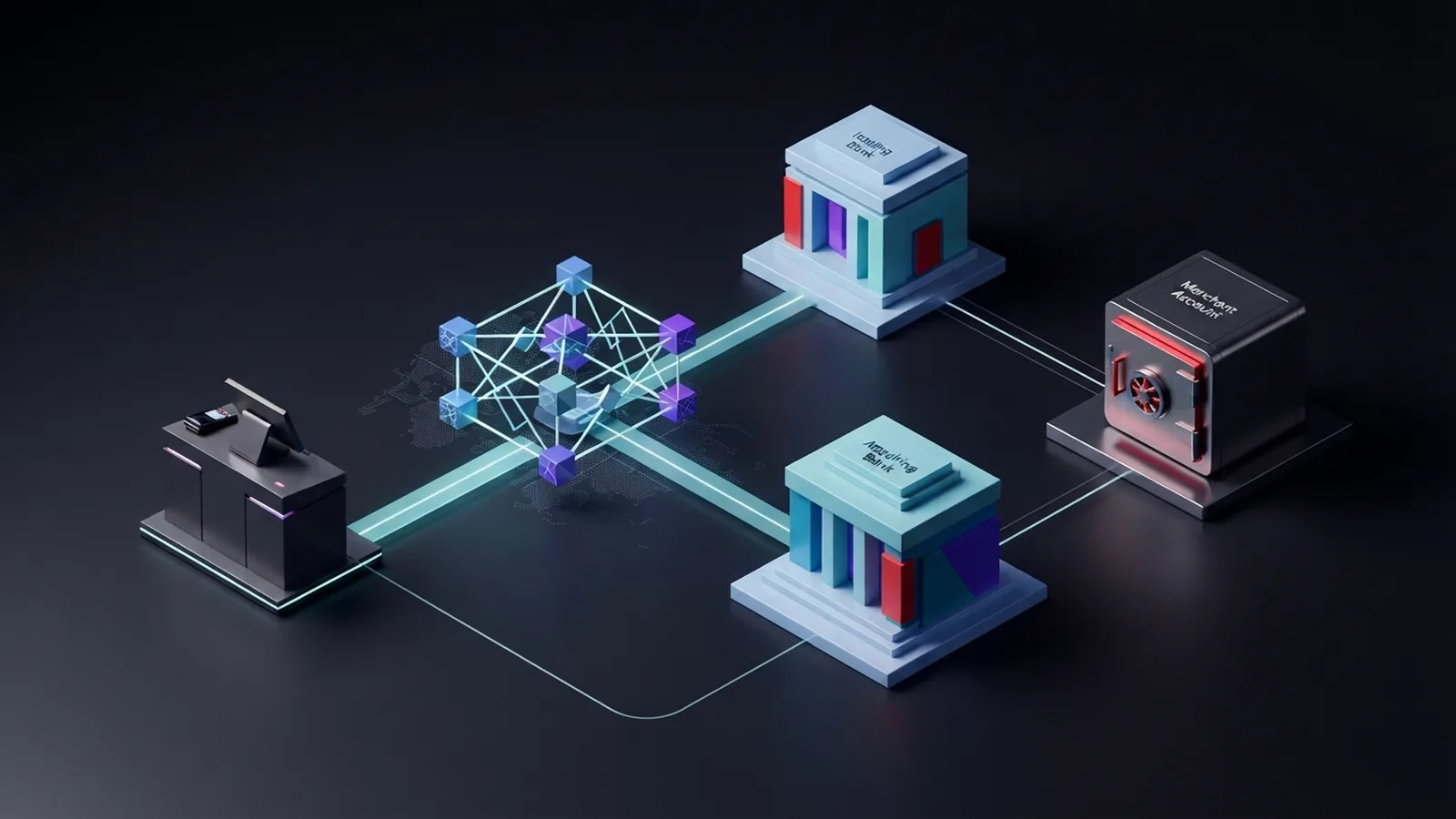
Payment processing systems move money from a buyer to a business. They connect the customer, bank, card network, and merchant account. The best choice depends on your sales channel, payment types, location, and monthly payment count.
A payment processor acts as a middle layer during a sale. It sends payment data for approval. It then helps move funds to the seller. A gateway collects payment details at checkout. Some firms offer both tools in one service.
Businesses can accept cards, bank payments, digital wallets, and local payment methods. Each method has its own cost, speed, and risk. A shop may need card payment processing systems, while a subscription firm may need bank debit tools.
Banking payment processing systems handle account-to-account payments. These payments may use bank transfers or direct debit. They can cost less than cards, but they may take longer to settle. The right mix can cut fees and reduce failed payments.
- Cards: Fast approval and wide customer use.
- Bank payments: Useful for large bills and repeat charges.
- Digital wallets: Quick checkout on phones and apps.
- Local methods: Better reach in some overseas markets.
How a Card or Bank Payment Works

A card payment starts when a buyer enters card details or taps a phone. The gateway sends the request to the payment processor. The processor sends it through the card network to the buyer’s bank.
The bank checks the card, account balance, and risk signals. It then approves or declines the request. An approval places a hold on the funds. The final money move comes during settlement.
Settlement groups approved payments for transfer to the business bank account. This step often takes one to three business days. The exact time depends on the provider, country, payment type, and account checks.
Bank payments follow a different path. The buyer gives permission for a transfer or direct debit. The banks then move funds through a local bank rail. Some bank payments settle within hours. Others take several days or can later fail.
Refunds reverse a settled payment. Disputes can also pull funds back from a business. A card dispute is often called a chargeback. Good systems show the payment stage, payout date, refund state, and dispute status.
Features That Matter in a Payment System

Security should come first. Look for encryption, token storage, login controls, and fraud checks. Token storage replaces raw card data with a safe code. This lowers the harm from a data breach.
Payment firms must meet card data rules when they handle card payments. The PCI Security Standards Council’s merchant guidance explains the main duties for firms that accept cards. Your duties still vary by setup and payment flow.
A strong user interface helps staff work with fewer errors. It should show clear payment states and payout records. It should also make refunds, failed payments, and disputes easy to find. Small gains matter when a team handles hundreds of payments each week.
Good systems also offer useful links to other tools. Common links include online stores, accounting apps, customer tools, and stock systems. Check whether the link uses a ready-made add-on or needs custom code.
- Fraud checks with rules you can tune
- Clear reports for sales, fees, refunds, and payouts
- Recurring billing for memberships and software plans
- Support for wallets, cards, bank payments, and local methods
- Webhooks that alert other tools when payment states change
- Fast help by chat, phone, or email
Pricing needs close review. A flat rate may suit a small firm with low volume. A custom rate may suit a large firm with many payments. Check chargeback fees, refund costs, currency fees, payout fees, and monthly fees.
Popular Payment Processors Compared
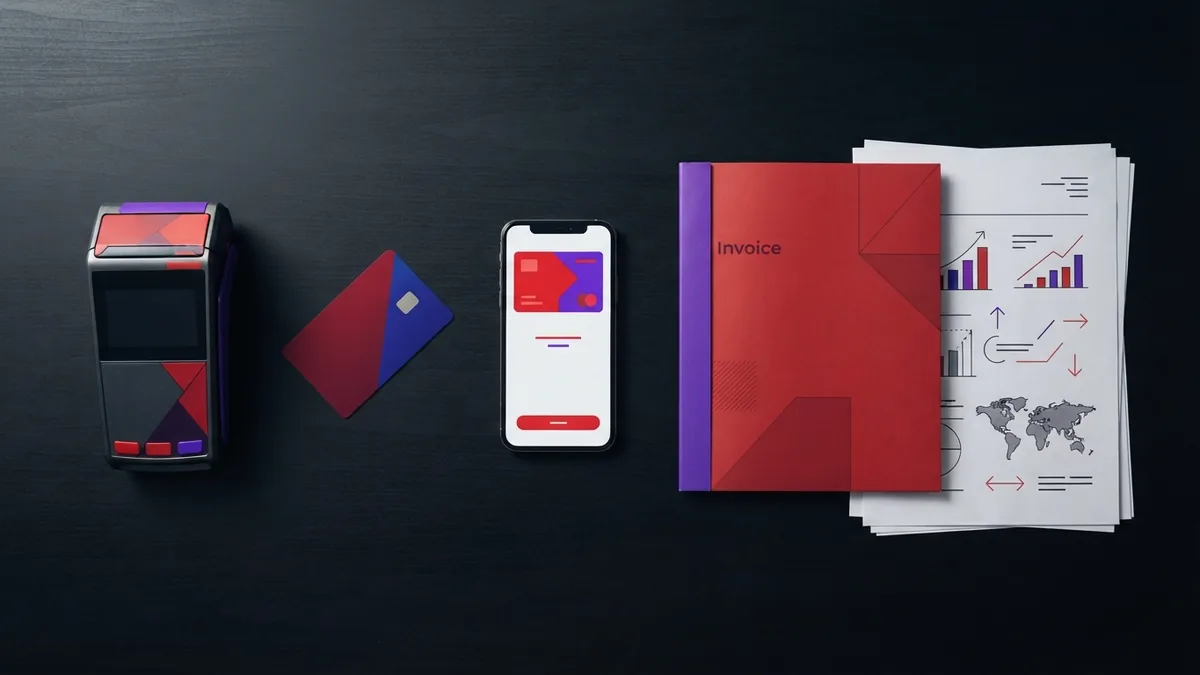
Stripe suits online firms that need flexible tools and custom checkout flows. It supports cards, wallets, bank payments, subscriptions, and many coding tools. It can scale well, but setup may need a developer.
PayPal suits firms that want a known wallet at checkout. Many buyers already hold a PayPal account. It can boost trust for some shoppers. Fees and account holds need careful review, especially for overseas sales.
Square works well for shops, cafes, salons, and other firms with in-person sales. Its hardware and software work as one set. It also supports online sales. It may offer less freedom than a developer-led platform.
Adyen targets larger firms with global sales and complex payment needs. It brings many payment types under one account. Its tools can support stores, apps, and in-person sales. Pricing and setup often suit firms with strong payment volume.
GoCardless focuses on bank debit and account-to-account payments. It fits subscriptions, invoices, and repeat bills. It can help firms lower card use. It is less suited to a shop that needs broad card and wallet coverage.
| Provider | Best fit | Main strength | Watch point |
|---|---|---|---|
| Stripe | Online and software firms | Flexible tools and billing | May need coding help |
| PayPal | Online sellers | Known buyer wallet | Fees and holds vary |
| Square | Small shops and services | Simple in-person setup | Less custom control |
| Adyen | Large global firms | Many markets and methods | Needs higher scale |
| GoCardless | Repeat bank collections | Direct debit strength | Limited card focus |
Rates change by country, method, and plan. Ask each provider for a quote based on your real mix. A low card rate may not mean a low total cost.
How to Choose the Right Processor

Start with your business model. A local cafe needs a card reader and quick payouts. A software firm needs recurring billing and payment recovery. A global store needs local methods, currency support, and cross-border settlement.
Next, map your payment volume. Write down monthly sales, average order size, refund rates, and peak days. A firm processing 100 payments needs a different plan from one processing 100,000.
Then test the full customer path. Make a test payment on a phone and a laptop. Check the steps for a saved card, failed card, refund, and bank payment. Ask staff to find a payout report without help.
- List the payment types your buyers use now.
- Estimate monthly volume and average order value.
- Check fees for sales, refunds, disputes, and foreign currency.
- Review security duties and data storage settings.
- Test checkout speed, mobile use, and staff reports.
- Ask about support, payout timing, and contract terms.
Do not judge a processor by its headline rate alone. For example, a 2.9% fee on a $50 sale equals $1.45 before any fixed fee. A bank debit fee may cost less for a $2,000 invoice. The best system matches each payment type to its use.
Plan for failure as well as success. Check what happens after a declined card or missed debit. Look for smart retries, clear buyer messages, and alerts for your team. Better recovery can lift sales without more site traffic.
Where Payment Processing Is Heading
Contactless payments keep growing in shops and transit. Phones, watches, and tap cards can shorten checkout. They also reduce the need to touch shared hardware. A processor must support the right wallet and reader standards for your market.
Mobile payment technology is also spreading through apps and links. Buyers can pay from a saved wallet or a secure link. This helps firms sell through social channels, invoices, and field teams.
Bank payments may gain share as open banking tools improve. These tools can link a buyer’s bank to a checkout flow. They may cut card costs and speed account checks. Rules and access still differ by country.
Cryptocurrency can add another payment option for some firms. It may help with select global buyers. Yet prices can shift fast, and tax rules can be hard to track. Treat it as a narrow option until demand and controls are clear.
Fraud tools will also grow more precise. Providers can spot odd payment patterns before approval. They must balance risk checks with a smooth checkout. A false decline can lose a good buyer.
The strongest systems will link many methods through one view. They will show fees, risk, refunds, and payouts in one place. Choose a platform that solves today’s needs and leaves room to grow.
Frequently asked questions
- What is a payment processing system?
- A payment processor moves payment data between the buyer, banks, and business. A gateway collects payment details at checkout. Many providers offer both tools.
- Which payment processor is best for a small business?
- Stripe offers flexible online tools. Square suits many small firms with in-person sales. Adyen targets larger global firms. PayPal adds a known wallet, while GoCardless focuses on bank debit.
- How do I compare payment processing fees?
- Compare sales fees, fixed fees, refunds, disputes, currency conversion, and payouts. Then test the total cost against your payment mix.
- How does card payment processing work?
- A card payment moves through the gateway, processor, card network, and buyer’s bank. The bank approves or declines it before settlement.
- Are bank payments cheaper than card payments?
- Bank payments often cost less for large or repeat bills. Cards can offer faster approval and broader buyer use. Many firms need both methods.
- What security features should a payment system have?
- Look for encryption, token storage, fraud checks, clear reports, and strong access controls. Your setup must also meet the card data rules that apply to your business.
Related reading

North Carolina Business Tax: Rates, IDs, and Growth
Understand North Carolina tax rates, IDs, costs, and rules for business growth.

Pennsylvania Business Tax: What Owners Must File
Understand Pennsylvania business tax registration, rates, filing, and common errors.

Online Card Payment Systems: Features, Benefits, and Setup
Compare card payment systems, key features, fees, providers, and setup steps.